Paul Sherer
SightGain
Engineering Director
Mandiant/Google
CyberSecurity Instructor
Objective
Introduce the field of CyberSecurity
Question
Who is interested in cybersecurity?
What is cybersecurity?
Types of cyber threats
Malware
Phishing
Social Engineering
OWASP Top 10
Malware
- Ransomware: Disables victim's access to data until ransom is paid
- Spyware: collects user activity data without their knowledge
- Adware: Serves unwanted advertisements
- Trojan: Disguises itself as desirable code
- Rootkit: Grants hackers remote control of victim's device
- Keylogger: Monitors user's keystrokes
Phishing
- Emails: Emails are designed to appear to come from a legitimate source
- Spear Phishing: Targeted phishing email attack relies on data that a cyber criminal has previously collected about the victim or the victim's employer
- Fake/Look-alike Websites: Malicious website leverages subtle changes to a known URL to trick users
- "Evil Twin" Wi-Fi (MITM): Spoofing free/open Wi-Fi access points. Victims unknowingly log into the wrong hotspot
Social Engineering
- Pretexting: Process of lying to gain access to personal data or other privileged information
- Tailgating: Attacker follows a person into a secure area. This type of attack relies on the person being followed assuming the intruder is authorized to access the targeted area.
- Quid Pro Quo: Exploits the human tendency to reciprocate good gestures.
- Baiting: Attacker leaves a physical device (like a USB) infected with a type of malware where it's most likely to be found. When a victim inserts the USB into their computer, a malware installation process is initiated.
OWASP Top 10
- Broken Access Control: Access control enforces policy such that users cannot act outside of their intended permissions
- Cryptographic Failures: Data permisisons in transit and at rest. GDPR, PCI. Is any data transmitted in clear text? Old or weak cryptographic algorithms
- Injection: User-supplied data is not validated, filtered or sanitized by the application. SQL Injection
- Insecure Design: Risks related to design and architectural flaws. Incorrect threat modeling or missing security controls
- Security Misconfiguration: Application missing security harding. Unneccesssary features are enabled or installed (ports, services, accounts, privileges). Default accounts and passwords still enabled and unchanged. Error handling reveals stack traces or other overly informative error messages to users
OWASP Top 10
- Vulnerable and Outdated Components: Unknown versions of components. Unsupported or out of date software. Not upgrading applications or dependecies in a timely fashion.
- Identification and Authentication Failures: Application permits brute force, weak or well-known passwords, weakly hashed passwords, missing multi-factor authentication
- Software and Data Integrity Failures: Application relies on plugins, libraries, or modules from untrusted sources. Supply chain attacks
- Security Logging and Monitoring Failures: Without logging breaches cannot be detected. Auditable events should be logged and actively monitored for suspicous activity
- Service-Side Request Forgery: Application fetches remote resource without validating the user-supplied URL.
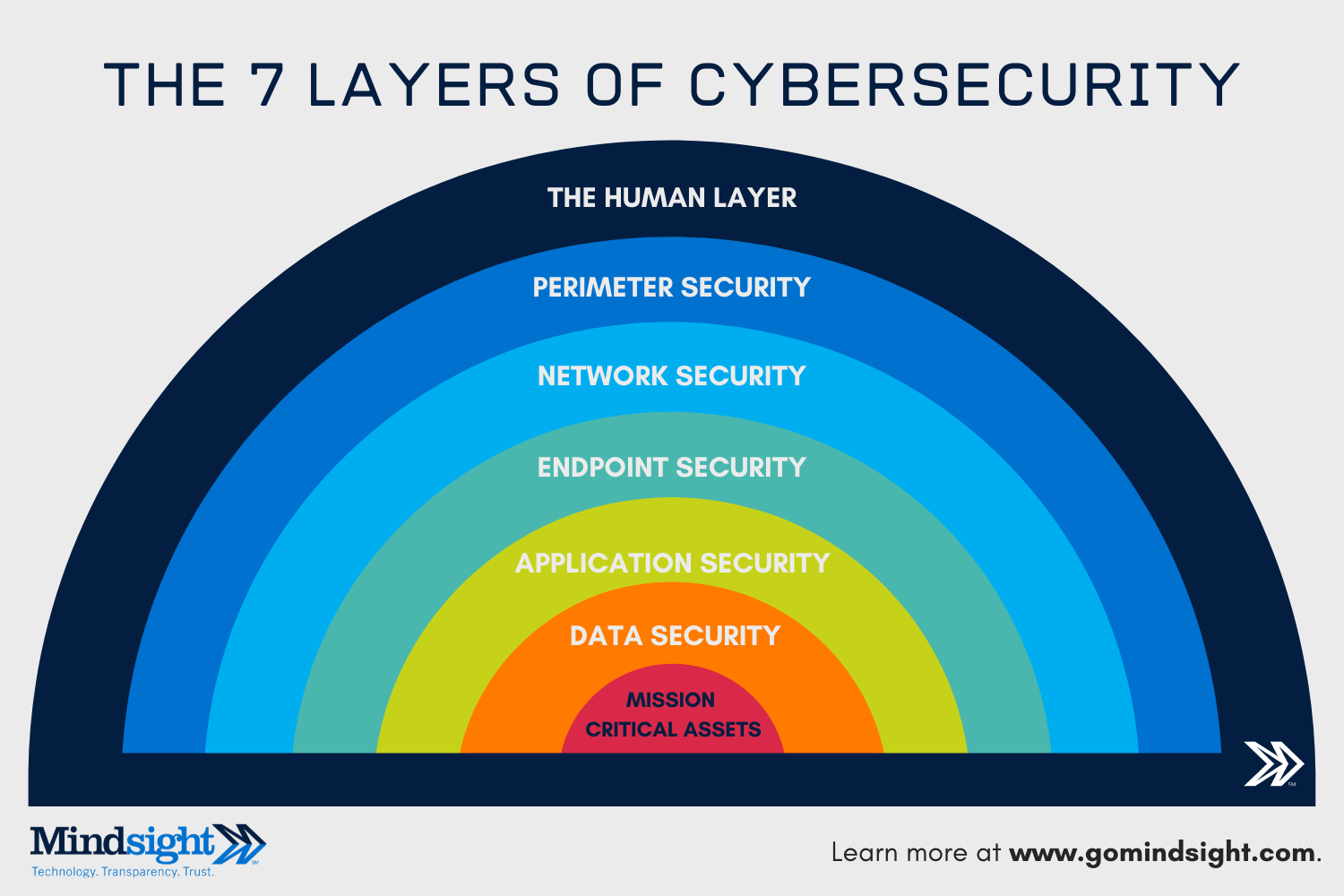
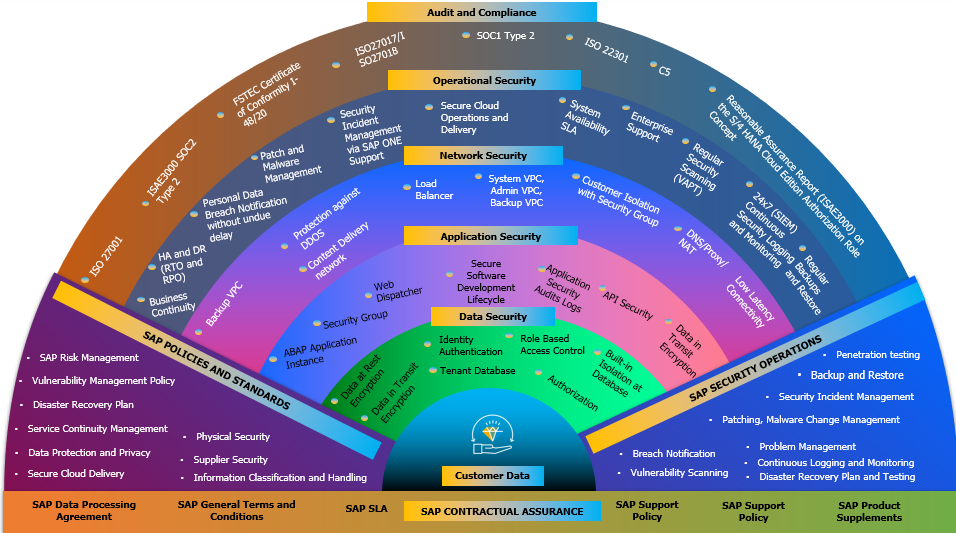
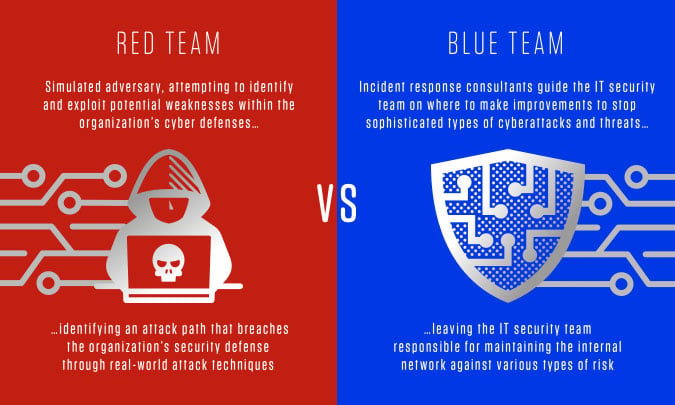
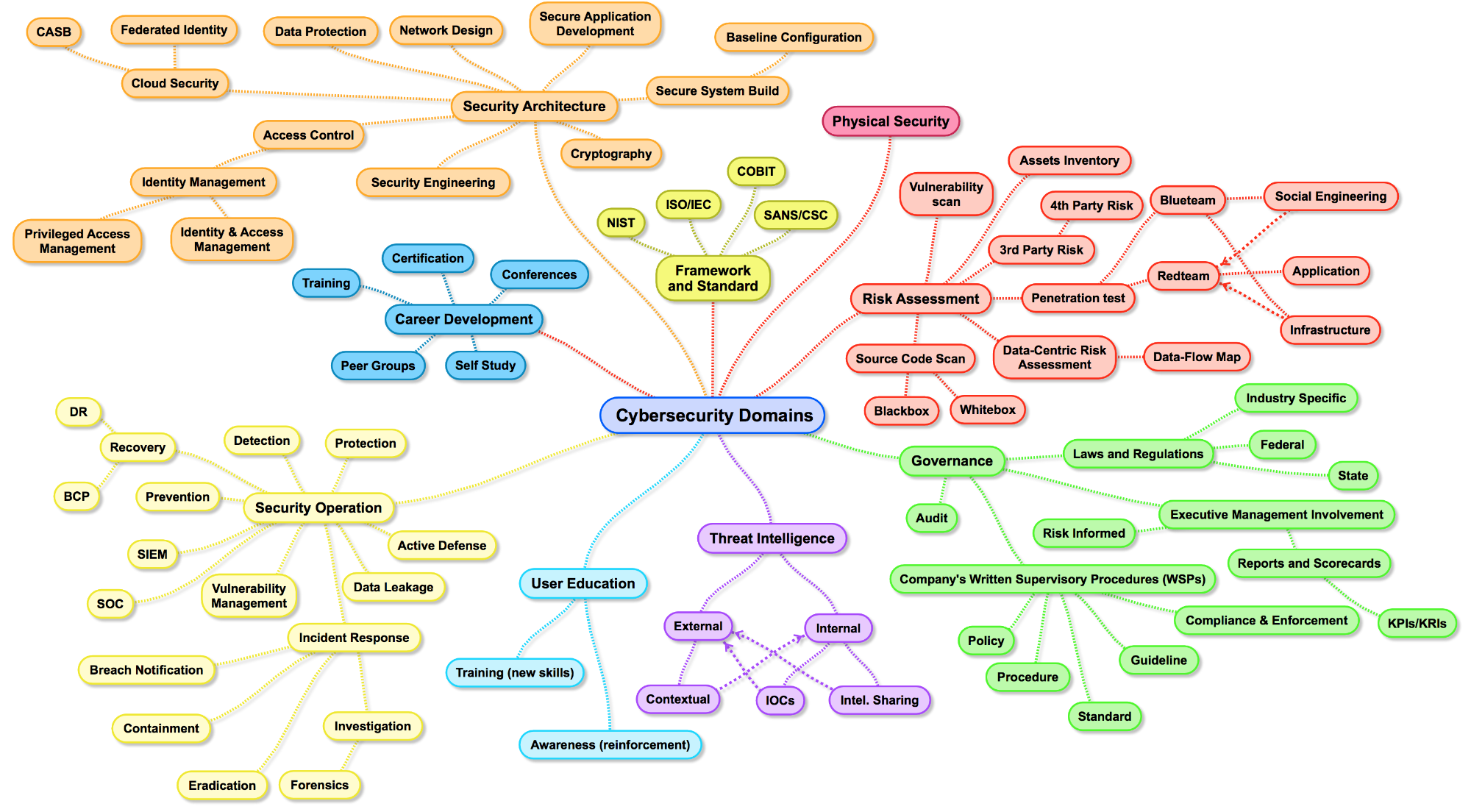
Roles
- Cybersecurity Analyst (SOC Analyst)
- Application Security Engineer (AppSec)
- Network Security Engineer
- Security Researcher
- Pentester
Good Cyber Hygiene
(what you can do now)
Update Software Regularly
Update apps, web browers, ect regularly to ensure you are using the latest versions. Delete apps you no longer use and only download apps from reputable or offical sources.
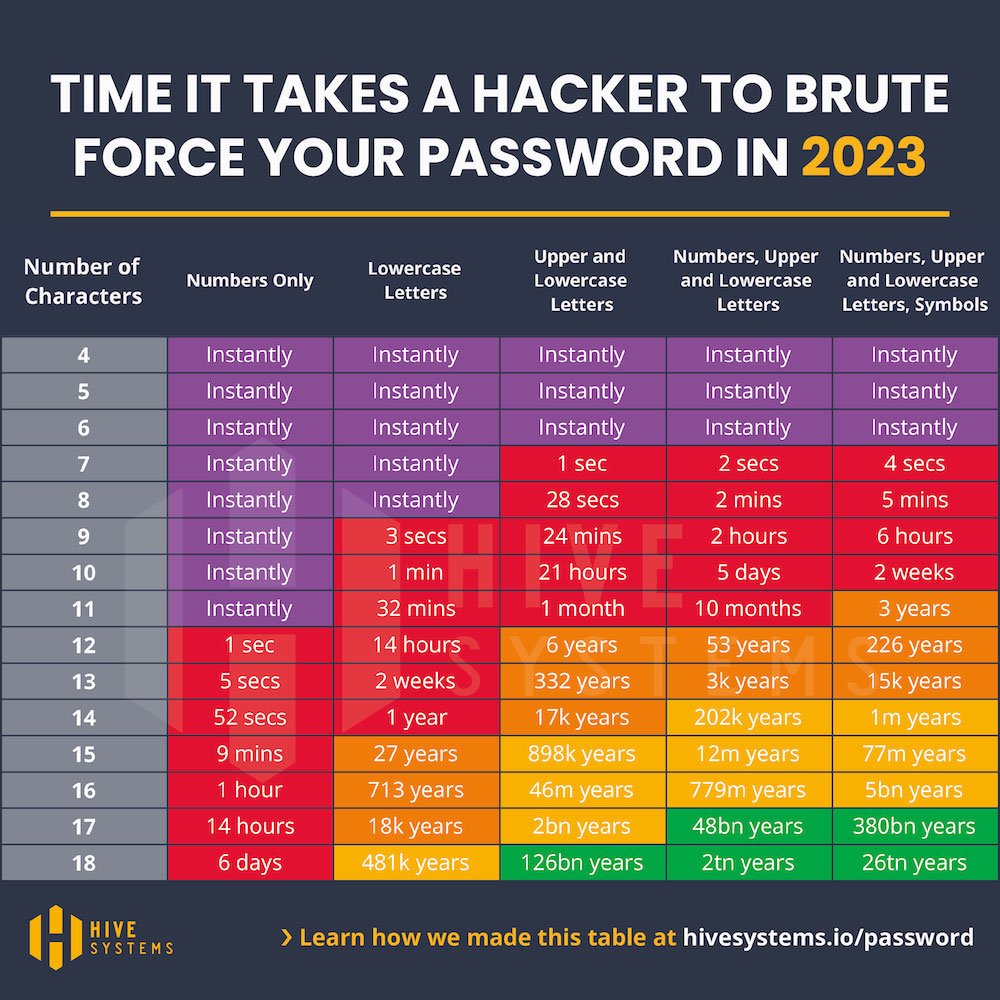
Responsible Password Management
Use passwords with a minimum of 12 characters and containing uppercase, lowercase, numbers and symbols. Better yet, use a password manager and 24 character passwords!
Use multi-factor authentication (MFA)
Factors include: (i) something you know (e.g., password/personal identification number [PIN]); (ii) something you have (e.g., cryptographic identification device, token); or (iii) something you are (e.g., biometric).
Authentication using two or more different factors to achieve authentication.
Back up regularly (3-2-1 rule)
Ensure you have regular, automated backups. You should have 3 copies of your data on 2 different media with 1 copy off-site for disaster recovery.
Privacy
Avoid quizzes, games, or surveys on social media that ask for sensitive information. Don't post private information publicly on social media.
Be cautious about the permissions you accept for the apps you use. Use a VPN when connecting to public Wi-Fi. Always use https.
Watch out for social engineering attacks
Avoid clicking on suspicious links. Avoid downloading suspicious attachments or files.
Never disclose security codes over the phone. Hang up and call back if you receive a suspicious call.
Resources
- @hak5
- @LiveOverflow
- @_JohnHammond
- @NetworkChuck
- hackthebox.com
- hackthissite.org
- tryhackme.com
- www.kali.org
- www.sans.org
- www.cybrary.it
- pwn.college
Who has questions?
Demo
Physical Device Access
Demo
Objective: Gain administrative access to: https://ecosystem.ects-cmp.com/